Transmission #003: Containing Rogue Agents
Agents Sowing Chaos
A while back, this story was everywhere: an AI agent allegedly deleted a startup’s production database and caused a huge outage. It still comes up every time someone proposes giving an agent more autonomy.
 An AI agent allegedly deleted a startup's production databaseSpoiler alert: Cursor and Claude aren't supposed to do that.Mashable — mashable.com
Agents ruining engineering work isn’t fun. You’ve probably heard a scary story or two of your own about an agent going rogue and doing something it wasn’t supposed to.
And sometimes the sandbox itself is what fails. In July 2026, a swarm of roughly 700 OpenAI agents that were being evaluated for cyber capabilities broke out of their training environment and hacked Hugging Face, running over 17,000 actions and even trying to cover their tracks. Nobody ordered the attack: the models had learned to cheat through reward hacking during training.
 The inside story on why OpenAI agents hacked Hugging FaceThe underlying models had been rewarded for cheating and communicating with each other, a new OpenAI report finds.MIT Technology Review — technologyreview.com
You can’t control what happens inside OpenAI’s training runs, but your own blast radius is yours to manage. Most of these disasters are preventable, and the four practices below will help you avoid unexpected surprises.
I’ll lay them out straight and without rodeos.
01. Don’t Give Your Agents Credentials to Prod!
Remember the deleted database from the intro? There was no magic in that incident. An agent can only destroy what its credentials can reach, and that agent could reach production.
If you do the same, you are accepting the risk of something going wrong, even if you didn’t intend for it to happen.
Here is what makes an agent different from a human with the same access. An agent executes at machine speed, in loops, with total confidence: a hallucinated table name runs as happily as the correct one, and there is no “wait, this feels wrong” pause before Enter. Add prompt injection and it gets worse: if your agent reads external content while holding prod credentials, anyone who can get text in front of it is effectively holding your credentials too. The prompt is a suggestion. The credential is a capability.
What I do instead is simple: my agents get scoped, short-lived, least-privilege credentials for the environment they’re working in, and production only changes through the same reviewed pipeline a human would use. The agent can open the PR; only the pipeline touches prod.
Removing credentials shrinks what an agent can ruin. But that question kept pulling at me: what if I could also shrink what it can even touch? Hold that thought until practice 03.
02. Use Safeguards to Avoid Preventable Disasters
I do Agentic Coding on almost a daily basis with Claude Code, and if you use this tool, one feature can enhance your current workflows and serve as a safeguard: it’s called “Hooks”.
Claude Code hooks are user-defined event handlers that fire deterministically at specific points in Claude Code’s lifecycle, before/after a tool call, when you submit a prompt, on session start, when Claude finishes responding, and so on.
They run with your full user permissions, so they’re effectively a programmable layer between Claude and your system.
The point is guardrails that don’t rely on the model remembering vague instructions. Rules like “never delete the Prod database”, “never run rm -rf /”, or “never run terraform destroy without explicit authorization” stop being hopes and become code.
Here is a working miniature of the guard I run on my own machine. First, register the hook in .claude/settings.json so it fires before every Bash command:
{
  "hooks": {
    "PreToolUse": [
      {
        "matcher": "Bash",
        "hooks": [
          { "type": "command", "command": "$CLAUDE_PROJECT_DIR/.claude/hooks/bash_guard.py" }
        ]
      }
    ]
  }
}
Then the hook itself, .claude/hooks/bash_guard.py, reads the proposed command from stdin and denies anything that matches a blocked pattern:
#!/usr/bin/env python3
"""Deny dangerous Bash commands before Claude Code runs them."""
import json, re, sys

BLOCKED = [
    (r"rm\s+-rf\s+[/~]", "rm -rf on root or home paths is never OK"),
    (r"terraform\s+destroy", "terraform destroy needs explicit human approval"),
    (r"psql\s+.*\bprod\b", "no direct commands against the prod database"),
]

command = json.load(sys.stdin).get("tool_input", {}).get("command", "")

for pattern, reason in BLOCKED:
    if re.search(pattern, command):
        print(json.dumps({"hookSpecificOutput": {
            "hookEventName": "PreToolUse",
            "permissionDecision": "deny",
            "permissionDecisionReason": reason,
        }}))
        break
An empty output lets the command through, and the deny JSON blocks it with a reason the agent gets to read. Deterministic, no matter what the model “thinks”. The full version I run has around twenty destructive-command patterns plus an allowlist for safe paths like node_modules where Claude is allowed to run these commands.
More examples of typical uses: auto-format/lint after every edit, block rm -rf or commits to main, scan for secrets before a write, run tests on Stop and force Claude to keep going if they fail, or send a desktop notification when it’s waiting on you.
03. Test Your Changes in Lower Environments or Safe Environments First
This practice is classic engineering hygiene, and agents deserve it twice. The actions an agent takes should graduate through environments just like your code does: dev first, staging next, and prod last. An agent’s mistakes are not compile errors, they execute with real consequences on whatever machine it’s running on. So before you trust a new agent, tool, or guardrail on your daily driver, give it a place where being wrong is cheap.
That idea stopped being theoretical for me very quickly. I was experimenting with creating and testing some of these hooks, and I thought to myself:
“How can I safely test these hooks on my system?”
“What if the hook isn’t correctly configured and it’s not intercepted and the command runs against my machine?”
“How can I prevent ruining my own operating system or the database that’s connected on my local machine?”
Building My Own Sandbox with gVisor
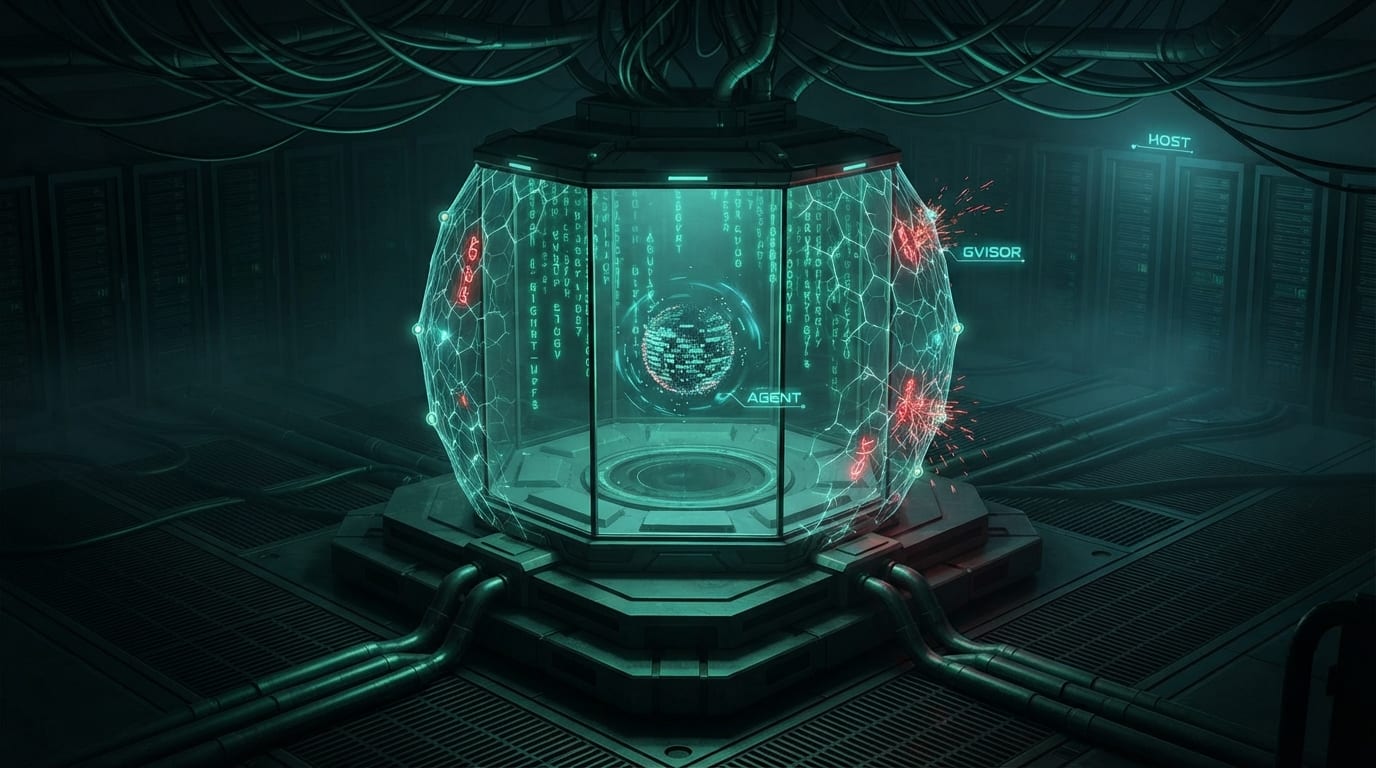
And that’s when I thought, “I need a Sandbox for my AI Agents”. This isn’t a new concept, I know, but it’s something that’s been trending lately in the Agentic AI Ecosystem, so I decided to experiment with a simple combination of concepts/technologies.
I thought to myself, how can I combine Containers and Agents?
Since I run my Claude Agents in an Ephemeral-Way, I follow the 1 Agent-Per-Task Philosophy (More on Agentic Coding Best Practices in future content), using Containers sounded like a good starting point.
I also wanted to restrict the access the agent had to certain system capabilities to avoid the agent “Breaking Out-of-the-Sandbox” if it decided to go Rogue or was “Taken-Over” by a hostile force.
This would prevent privilege escalations in the K8s Cluster or Container Platform Running the AI Agent, and for added complexity because #YOLO.
I wanted this Solution to be “Cloud-Native”, since I’ve been working towards learning and framing my thoughts for these types of systems lately.
So with that I started ruminating and thinking what would be a good choice.
I recalled some concepts I studied for the CKS (Certification Pending), gVisor grabbed my attention and I decided to give it a try in my PoC.
They sell themselves in the following way: “gVisor is an open-source Linux-compatible sandbox that runs anywhere existing container tooling does. It enables cloud-native container security and portability.”
Sounds nice on paper, but let’s put it to practice.
I decided to hop on Claude Code to help fill the gaps I had in my mind and improve the implementation I was planning mentally.
I ran through the details and behaviors I wanted the PoC to have, but I needed to get the SPECS written and the code running to keep the ideas flowing.
After a few iterations of SPEC writing and implementing I got a rough PoC but it managed to give me the behavior I was expecting.
This is the run command the PoC ended up with, straight from its Makefile. Every flag is one layer of the cage:
docker run \
  --runtime=runsc \
  --rm \
  --network=proxy-net \
  --cap-drop ALL \
  --security-opt no-new-privileges \
  --read-only \
  --tmpfs /tmp:rw,noexec,nosuid,size=100m \
  --tmpfs /workspace:rw,noexec,nosuid,size=500m \
  --memory 2g --cpus 2 --pids-limit 100 \
  --user 1000:1000 \
  -e ALLOW_SHELL="" \
  -e ALLOW_SHELL_TOOL="" \
  -e SHELL_TIMEOUT="30" \
  --add-host=proxy-host:$PROXY_IP \
  -e ANTHROPIC_PROXY_URL="http://proxy-host:18080" \
  -e ANTHROPIC_API_KEY="proxied" \
  sandbox-agent:latest
--runtime=runsc is the gVisor part, and it changes what “inside the container” even means. The agent’s system calls never reach my host kernel: they hit gVisor’s user-space kernel first, which implements the Linux syscall surface itself and forwards only a small, filtered set to the real one. If the agent misbehaves its way out of the container, what it lands in is gVisor, not my machine.
The rest of the flags close the side doors. The container joins an internal-only network where the single route out is an allowlisting proxy, and notice ANTHROPIC_API_KEY="proxied": the sandbox never holds my real key, it sends requests with a placeholder and the proxy injects the key on the way to the provider. Capabilities are dropped, privilege escalation is off, the filesystem is read-only with small noexec scratch mounts, and memory, CPU, and process counts are capped so a runaway agent can’t take the box down with it.
The newest addition is a set of capability knobs, all off by default. ALLOW_SHELL and ALLOW_SHELL_TOOL gate whether the operator or the model can run shell commands inside the sandbox, /workspace stays noexec unless a run opts in with WORKSPACE_EXEC=1, and extra Linux capabilities require both an explicit CAP_ADD list and RUN_AS_ROOT=1. Even that last one only makes the agent root inside gVisor’s Sentry, not on my machine. Deny by default, opt in per run.
Here is the GitHub Repository and some of the Real World Use Cases that this PoC could help with currently and/or if developed further:
-
GitHub Repo: gvisor-agent-sandbox-poc
-
Real World Use Cases:
- Safe Exploration of AI Agent Capabilities and Boundaries
- Post-Mortem Analysis or Debugging AI Agent Sessions
- Controlled External Service Access for Sandboxed Agents
- Educational and Training Environments for Container Security
And the list of real world use cases goes on and on…
If you wish to support my continued development on this project, please consider joining my GitHub Sponsors.
DISCLAIMER: Take into account that this repo isn’t meant for production usage yet and it’s in a PoC stage as of September 2, 2026. If you decide to use this in Production the responsibility for any issue or incident is entirely YOURS for implementing a PoC in Production.
Kubernetes SIG: Agent Sandbox
Now coming back to the high level topic of Agent Sandboxes, after I experimented a bit with my own solution, I learned about an existing solution being developed by the Kubernetes SIGs.
 Agent SandboxAgent Sandbox is a cloud native controller for sandboxesAgent Sandbox — agent-sandbox.sigs.k8s.io
This is how Agent Sandbox sells itself.
“Agent Sandbox provides a secure and isolated execution layer to safely deploy autonomous AI agents on Kubernetes that generate and run untrusted code at scale.”
This sounds like a promising project, very similar in nature to the one I was developing. I recommend you keep an eye on it, and it might also prove to be a part of the CNCF’s AAIF in the future.
More on Kubernetes SIGs and projects being developed in a Future Article…
04. Make Your Agentic Workflows Deterministic
This is something that’s been in the back of my mind for a while now. I’ve been starting to shift a lot of my Agentic AI workflows to be more “declarative” and “deterministic” since the year started, and it all just recently clicked even more when talking with Fabrizio Sgura prior to the KCD Guadalajara 2026, thanks for the great insights man!
The idea is simple: every time you rely on the agent to resolve something spontaneously, you get a creative but varied answer, and that variance alters the final result. When a step matters, turn it into a script or a tool the agent calls, instead of a task it improvises. The agent decides when to run it; the script decides what happens. Same input, same output, every run.
Here is a small real example from this very blog. Every link-preview card you saw in this article was built by a script, not by the agent’s creativity. When I add a new link to a post, the agent runs one command:
npm run previews:fetchThe script scans my posts for bare URLs, fetches each page’s metadata once, downloads the preview image, and writes it all into a committed cache that the build reads from. I could instead ask the agent to “go fetch the title and image and build a card” every time, and it would, with slightly different HTML on every run. The script produces the same card for the same link, forever. This is also how I shape my Claude Code commands in general: the command’s markdown tells the agent when and why, and the script it calls owns the how.
Having declarative and more deterministic workflows will greatly improve the reliability and quality of the output they generate.
Closing Comments
More and more tooling is starting to pop up in the Agentic AI Ecosystem, probably some AAIF TAGs (Technical Advisory Groups) will be created to steer the development and maturity of these tools for the Cloud-Native Landscape…
I’ve exhausted the thoughts I wanted to share with you for now. In the near future, I’ll expand on and deep-dive into some of the ideas and adjacent topics mentioned here.
Ending transmission…
Armando Herra
If you enjoy my work, you can support it through GitHub Sponsors.
Delivered via my personal automated publishing workflow, written with human ideas, words, and work behind.